Reviewed 14 September 2026 by the PNG Travel Guide editorial team. This is an independent informational resource for UK travellers, not a government website. All troubleshooting steps below were verified against the live ICA portal at evisa.ica.gov.pg in August 2026.
The PNG eVisa portal at evisa.ica.gov.pg disclaims constant availability and may go down without notice. Confirm outages at evisa.ica.gov.pg/evisa/account/status. For unresolved technical support issues, email [email protected] with your reference number and screenshots.
What to Do When the PNG eVisa Website Is Down
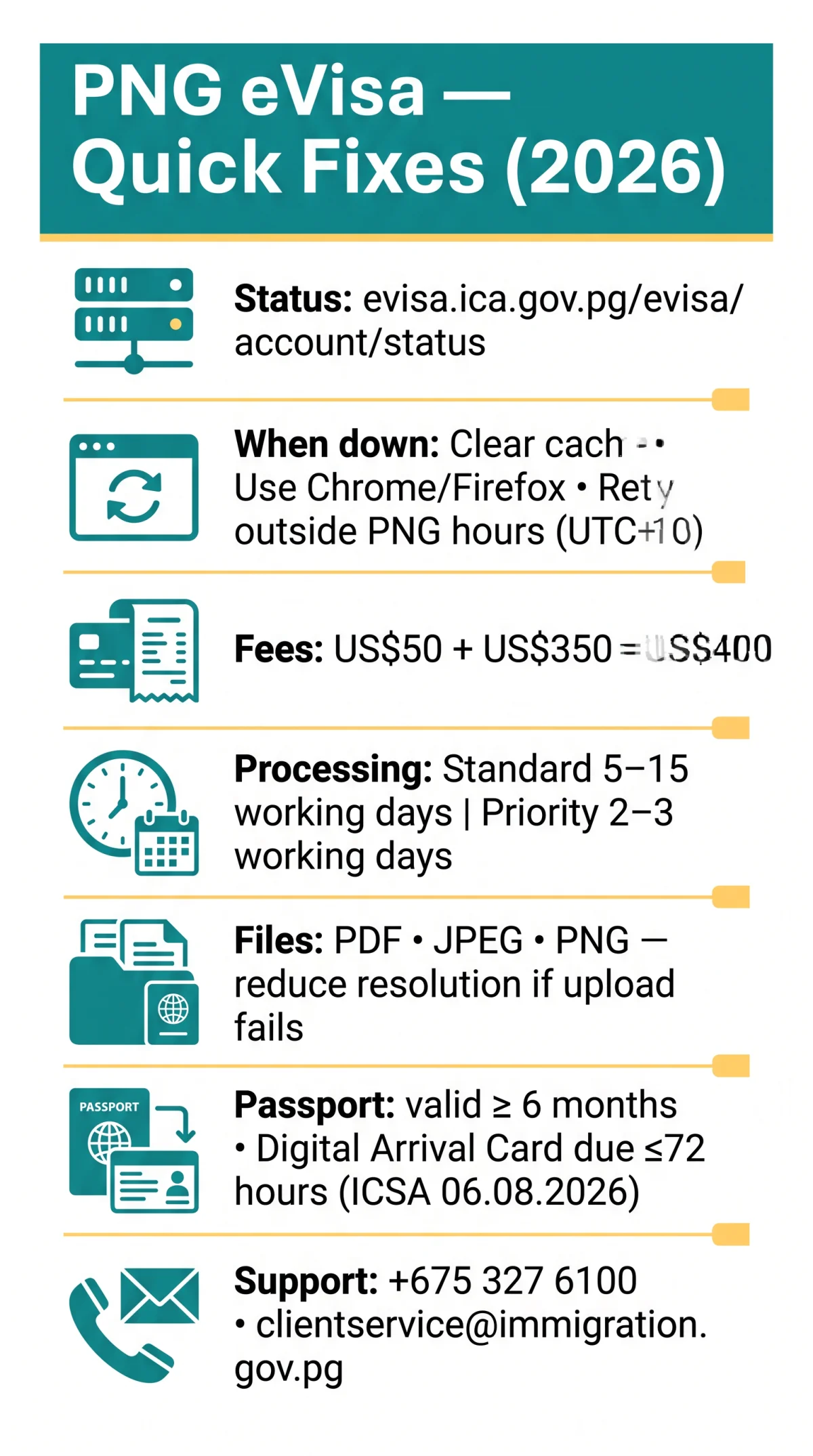
Confirm whether the PNG eVisa portal is truly offline before attempting fixes. The ICA operates on UTC+10 (PNG time); scheduled server maintenance typically occurs during PNG business hours, which is 10pm to 8am UK time. Distinguishing a local issue from a system-wide outage is your first priority.
Check your connection
Verify other websites load normally on your device.
Visit the status page
Open evisa.ica.gov.pg/evisa/account/status to confirm whether the PNG eVisa portal is offline.
Retry outside maintenance windows
If the ICA is running scheduled server maintenance during PNG business hours (UTC+10), wait and retry.
Clear your browser cache
Remove cookies and cached data, then reload in Chrome.
Escalate
Call +675 327 6100 if the outage persists.
The only valid PNG eVisa URL is evisa.ica.gov.pg. Scam sites proliferate during outages, so verify the URL before entering personal data. If the portal remains inaccessible, email [email protected] with screenshots and your reference number.
Fixing Payment Errors and File Upload Failures
The MICA gateway at ica.gov.pg/register processes PNG eVisa payments and has three distinct failure modes.
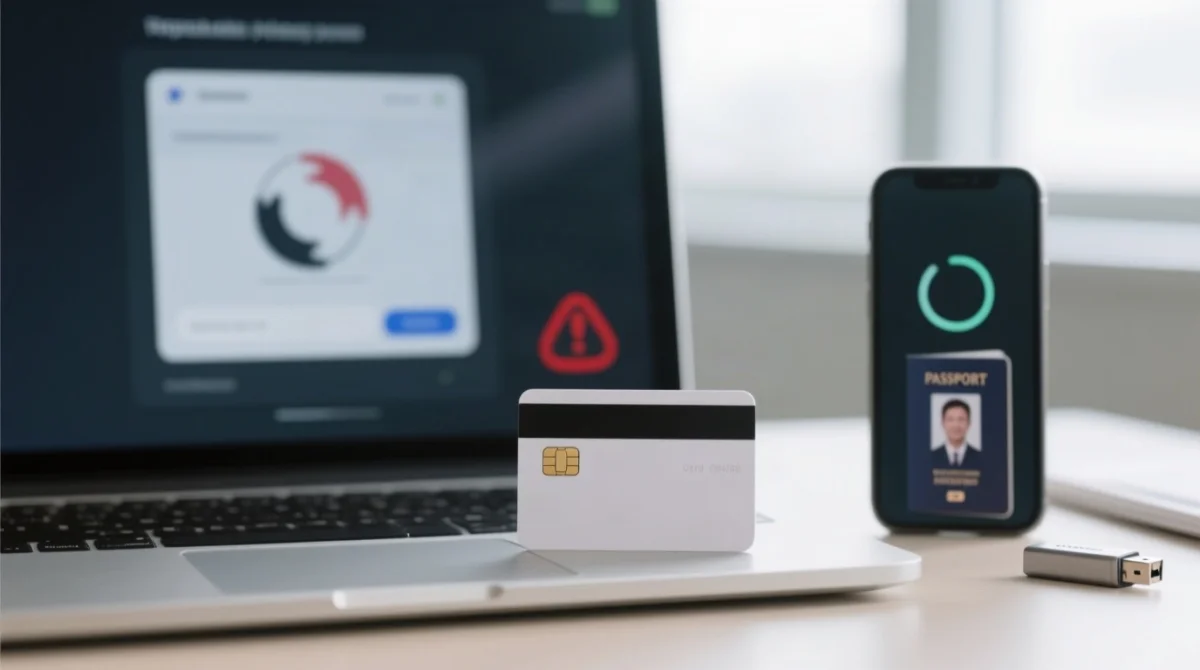
- Card declined: Confirm 3D Secure or OTP is enabled with your bank, then retry with a different card.
- MICA gateway timeout: Clear your browser cache and retry. Fees total US$50 (Online Lodgement Fee) plus US$350 (Migration Service Fee), converted to PNG Kina at the time of payment.
- Duplicate charge (no reference number generated): Contact your bank for the transaction ID, then email [email protected] with the transaction ID, date, and amount charged.
- File upload failures: The PNG eVisa portal accepts PDF, JPEG, and PNG as supported file format types at evisa.ica.gov.pg/evisa/account/Apply. Reduce passport scan resolution and verify your passport number matches the bio page before uploading if files are rejected silently.
- Browser compatibility: Chrome and Firefox are recommended for the PNG eVisa portal. Safari and Edge may cause dropdown or script errors. Switching to Chrome resolves most JavaScript failures on the ICA platform.
Account Lockouts, Login Problems & Error Messages
The PNG eVisa portal locks accounts after repeated failed login attempts, triggering a timed cool-off period. Password reset tokens expire within minutes, so act immediately. Account holders must be at least 18 years of age. Session timeout can also reset your form; complete the PNG eVisa application in one sitting to avoid losing data.
| Error Message (verbatim) | Cause | Fix |
|---|---|---|
| “Please select a permit type from the list” | JavaScript or dropdown failure; browser incompatibility | Clear browser cache, switch to Chrome, reload the page |
| “An eVisa account already exists with this email address” | Duplicate registration with same email | Use a different email or contact [email protected] |
| “A verification email has been sent to you. Please check your email and click the confirmation link.” | Account awaiting email verification | Check spam folder, wait up to 15 minutes, request resend |
Persistent PNG eVisa login failure warrants escalation to [email protected] with your reference number and a screenshot of the error message.
Emergency Options When the Portal Is Down and Your Trip Is Imminent
Screenshot the error page
Capture the error page with a visible timestamp as evidence for airline check-in staff.
Contact your airline
Check with your airline (e.g., Air Niugini) regarding boarding with an in-progress PNG eVisa application.
Submit the Digital Arrival Card
Submit the mandatory Digital Arrival Card up to 72 hours before arrival, per the ICSA public notice dated 06.08.2026.
Check Visa on Arrival eligibility
Check whether you qualify for Visa on Arrival as a fallback while the PNG eVisa portal is unavailable.
Call the nearest PNG diplomatic mission
Call +675 327 6100 for technical support and visa guidance.
Standard processing takes 5-15 working days; priority processing takes 2-3 working days. Your passport must be valid for at least 6 months from the date of entry. For technical issues, email [email protected]; for business visa lodgements, email [email protected].
FAQ: PNG eVisa Portal Troubleshooting
How do I check if the PNG eVisa website is down right now?
Visit evisa.ica.gov.pg/evisa/account/status to check the portal status directly. The ICA operates on UTC+10; scheduled maintenance may occur during PNG business hours. Call +675 327 6100 if still down.
What browsers work best with the PNG eVisa portal in 2026?
Chrome and Firefox are recommended for the PNG eVisa portal. Safari and Edge may cause script errors or frozen pages. Clear your browser cache and switch to Chrome if the website down error persists.
Why was I charged twice on the PNG eVisa payment page?
Duplicate charges occur when the MICA gateway at ica.gov.pg/register times out after your card is debited but before a reference number is generated. Contact your bank for the transaction ID, then email [email protected] with the ID, date, and amount.
How do I reset my PNG eVisa account password?
Use the password reset link sent to your registered email. Reset links expire within minutes; if the token expires, retry the reset request. For repeated failures, email [email protected].
What file formats and sizes does the PNG eVisa portal accept for uploads?
The PNG eVisa portal accepts PDF, JPEG, and PNG as supported file format types. Reduce file size, clear your browser cache, and retry at evisa.ica.gov.pg/evisa/account/Apply if uploads fail.
Can I get a Visa on Arrival if the PNG eVisa website is down?
Visa on Arrival is available, but the mandatory Digital Arrival Card must be submitted up to 72 hours before arrival (ICSA notice dated 06.08.2026). Check your nationality eligibility and ensure your passport is valid for at least 6 months.
How long does PNG eVisa processing take after a successful submission?
Standard processing time for the PNG eVisa is 5-15 working days; priority processing takes 2-3 working days. Track your approval status using your reference number and nationality.
What should I do if my PNG eVisa verification email never arrives?
Check your spam folder, wait up to 15 minutes, and request a resend. If the verification email still does not arrive, email [email protected] with your registered email address.