
UK tourists can start their PNG eVisa application at the MICA portal (ica.gov.pg/register). Last reviewed: 14 September 2026; fees and policies may change without notice, so verify all details at ica.gov.pg before applying.
What Does the PNG eVisa Cost in 2026?
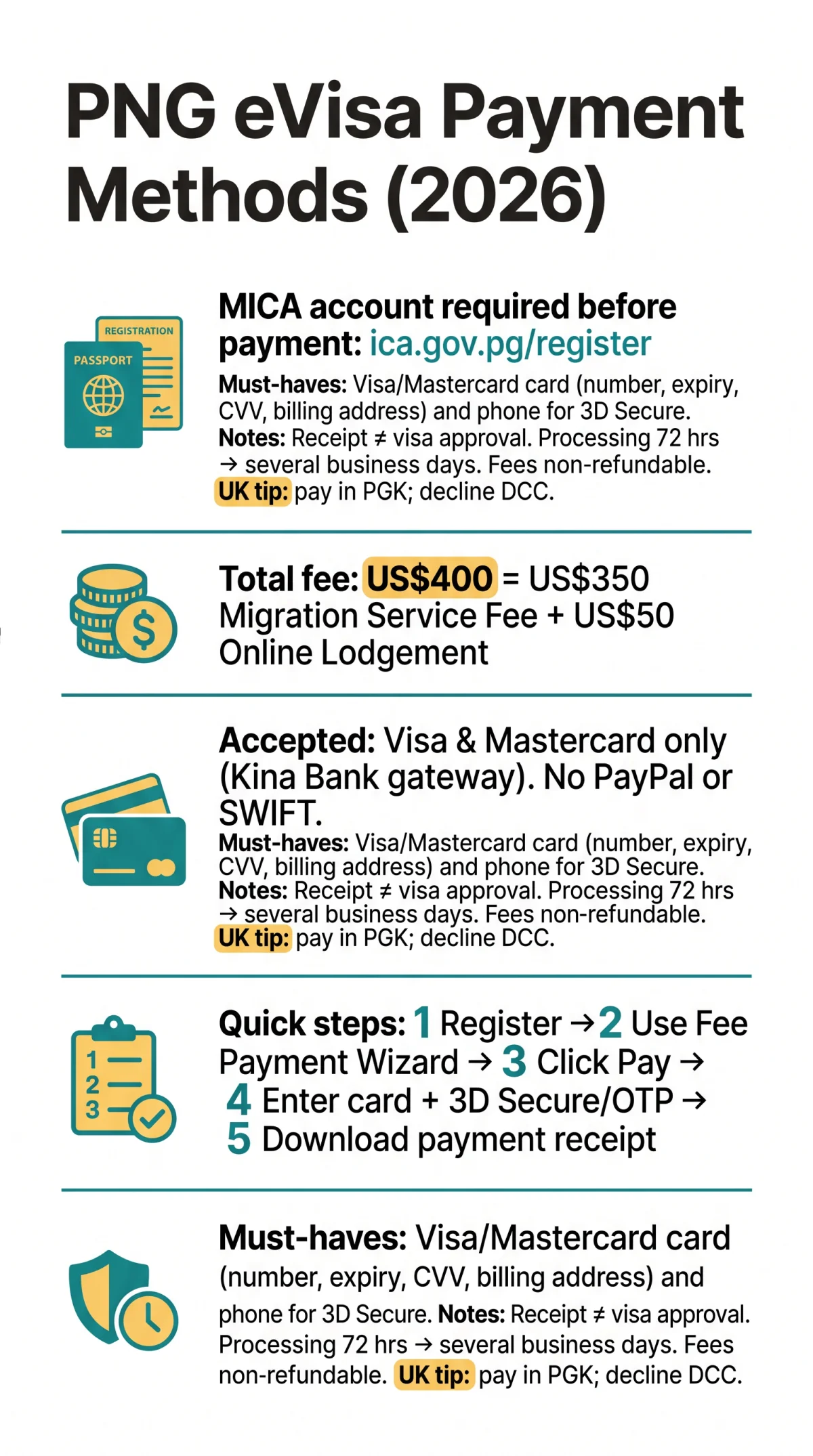
The total PNG eVisa fee is US$400, broken down below. According to the ICA fee schedule published on evisa.ica.gov.pg, the fee comprises a US$350 Migration Service Fee (MSF) plus a US$50 Online Lodgement Fee, both set in US Dollars and converted to Papua New Guinean Kina (PGK) at the published USD-to-PGK rate at basket finalisation. Paying the fee does not constitute visa acceptance or approval.
| Visa Type | MSF (USD) | Lodgement Fee (USD) | Total (USD) |
|---|---|---|---|
| Visitor (Easy Permit, 30 or 60 days) | 350 | 50 | 400 |
| Business Short-Term Multiple-Entry (12 months, 60-day stay) | 350 | 50 | 400 |
| Business Short-Term Single-Entry | 350 | 50 | 400 |
Accepted Payment Methods for the PNG eVisa
Only Visa and Mastercard credit and debit cards are confirmed as accepted png evisa payment methods, processed through the Kina Bank payment gateway. Acceptance of American Express, Discover, Diners Club, and UnionPay remains unconfirmed by ICA PNG. PayPal, bank transfers (SWIFT), and cash are not supported for individual applicants. There is no visa on arrival option; pre-departure digital approval via the PNG eVisa system is mandatory. MICA account registration at ica.gov.pg/register is required before any payment can be made.
How to Pay the PNG eVisa Fee Online
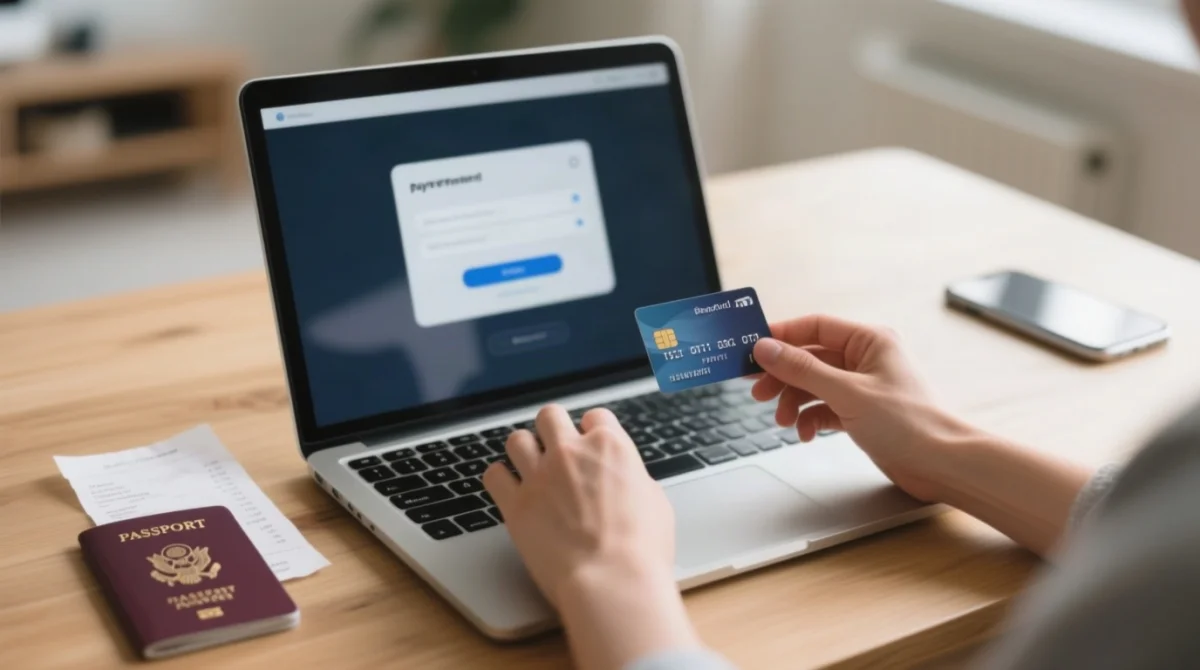
PNG eVisa payment requires registering a MICA account, selecting fees via the payment wizard, and completing card entry on the Kina Bank gateway. ICA recommends using a PC rather than a mobile phone.
Register a MICA account
Register a MICA account at ica.gov.pg/register (mandatory before any payment).
Log in and use the Fee Payment Wizard
Log in and use the Fee Payment Wizard to select the correct visa fees for your application.
Review fees in the MICA basket
Review fees in the MICA basket, which supports multiple fees in one transaction for corporate bookers.
Click to pay
Click to pay and the PNG eVisa system redirects you to the Kina Bank payment gateway.
Enter card details
Enter card details: card number, expiry date, CVV, and billing address.
Complete 3D Secure / OTP verification
Complete 3D Secure / OTP verification if prompted by your issuing bank.
Download your payment receipt
After payment, the system redirects you back to the ICA website to download your payment receipt.
Paying from the UK: Currency, Bank Fees and Card Tips
UK applicants pay in PGK, not GBP. The PNG eVisa system converts USD to PGK at basket finalisation; your UK bank then converts PGK to GBP. For example, at a USD/PGK rate of 3.45, US$400 converts to approximately PGK 1,380. With a typical 2% UK bank foreign transaction fee, the final GBP cost would be around £315.
To avoid double conversion, never accept Dynamic Currency Conversion (DCC) prompts at checkout; always pay in the local currency (PGK). UK bank foreign transaction fees typically range from 1.5% to 3%. Multi-currency cards such as Revolut, Wise, or Monzo may reduce these charges; confirm PGK support with your provider. Ensure your phone can receive 3D Secure (3DS) or OTP verification while abroad.
Payment Security, Refunds and What Happens After You Pay
ICA does not store card information; all processing is handled by Kina Bank, the certified third-party payment processor. Standard PNG eVisa processing takes 72 hours to several business days after payment. The automated payment receipt is issued instantly but is not visa approval; the grant notice arrives in a separate email after adjudication. Both the US$350 MSF and the US$50 Online Lodgement Fee are strictly non-refundable once submitted, regardless of outcome.
Having guided multiple UK travellers through the PNG eVisa process, the Kina Bank gateway typically completes payment in under 5 minutes when using a PC. If your payment is declined, common causes include insufficient funds, bank fraud blocks, 3D Secure failure, or session timeout; retry with a fresh session, contact your bank, or check the MICA dashboard for the transaction status. This is an informational guide, not a government portal; confirm all details at ica.gov.pg before applying.
FAQ: PNG eVisa Payment Methods
Can I use a debit card to pay the PNG eVisa fee?
Yes. Visa and Mastercard debit cards are accepted through the Kina Bank payment gateway, subject to the same 3D Secure verification as credit cards. American Express and other card brands remain unconfirmed by ICA PNG.
How much does the PNG eVisa cost in British pounds?
The total fee is US$400 (US$350 MSF plus US$50 Online Lodgement Fee). Your GBP cost depends on the USD-to-PGK conversion rate at basket finalisation and your bank’s PGK-to-GBP rate, plus any foreign transaction fee (typically 1.5% to 3%).
Does the PNG eVisa system accept PayPal or bank transfer?
No. Only Visa and Mastercard card payments via the Kina Bank gateway are accepted.
Is the PNG eVisa payment gateway secure?
Yes. ICA does not store card data; processing is handled entirely by Kina Bank.
Can I get a refund if my PNG eVisa application is rejected?
No. Both the US$350 MSF and the US$50 Online Lodgement Fee are non-refundable once the application is submitted, regardless of the outcome. Paying the fee does not constitute visa approval. For duplicate charges or technical errors, contact ICA via the MICA support ticket system.
How long after payment is the PNG eVisa processed?
Standard processing takes 72 hours to several business days after payment. The automated payment receipt is instant, but immigration adjudication takes longer. Approval notification arrives via email separately from the payment receipt.
Why is my MICA account blocked?
MICA may block access when you log in from an unknown location or IP address, such as hotel Wi-Fi or a VPN. To unfreeze your account, contact an ICA representative via the Enquiry Page at ica.gov.pg/contact. Check your spam inbox for the original MICA account confirmation email if needed.
What is the difference between the payment receipt and the visa approval email?
The payment receipt confirms your fee was processed by Kina Bank; it does not mean your PNG eVisa was approved. The visa approval (grant notice) arrives in a separate email after adjudication. Do not travel based on the payment receipt alone; you must download and print the approved eVisa once granted.
The PNG eVisa payment process accepts Visa and Mastercard credit and debit cards through the Kina Bank gateway. To pay the PNG eVisa fee online, applicants register on the MICA portal and pay US$400 total: a US$350 Migration Service Fee plus a US$50 Online Lodgement Fee, converted to PGK at checkout.