Last updated: 14 September 2026. Requirements may change; always verify on ica.gov.pg.
PNG eVisa photo requirements mandate a JPEG image of at least 413×531 pixels, maximum 5 MB, with a passport valid for 6 months from arrival and at least 1 blank page. “PNG” stands for Papua New Guinea, not the image file format. The required photo format is JPEG.
Passport Requirements – Validity & Blank Pages
PNG eVisa photo requirements extend beyond the digital image to your travel document. Per the application checklist at ica.gov.pg, the following criteria apply:
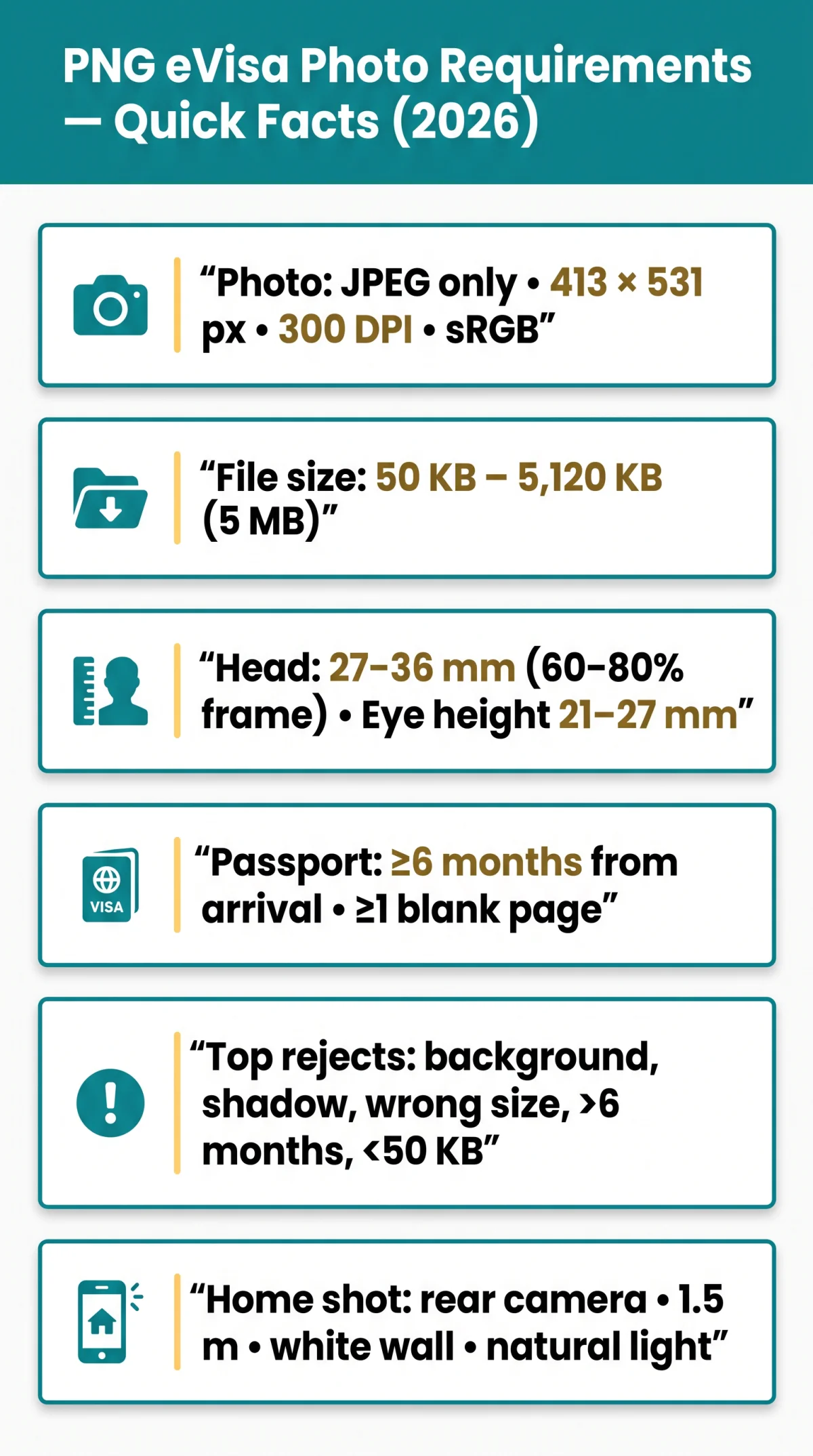
- Passport validity six months – measured from your planned arrival date, not departure; entry permit validity cannot exceed passport validity.
- Blank endorsement page – at least 1 blank page required for the entry stamp applied at Jacksons International Airport (Port Moresby) or Wutung Land Border Post (Vanimo). Without a blank page, you may face refusal of entry even with a valid visa. Check before departure, especially for multi-stop Pacific or Asia itineraries.
- Passport biodata page – upload a clear scan (all four corners visible, no glare, name must match exactly).
- Physical condition – torn pages, water stains, or peeling laminate may invalidate the passport for eVisa purposes.
- Emergency or temporary passports – for emergency/temporary passports, contact ICA at www.ica.gov.pg before applying.
- Re-evidencing – if your passport expires after visa issuance, the permit can be re-evidenced free at a PNG diplomatic mission with prior approval from Immigration HQ.
The passport and biometric photo compliance rules underpinning PNG eVisa photo requirements also require that initial entry occur within 6 months of permit issuance; failure to enter within this window renders the permit invalid.
Digital Biometric Photo Specifications
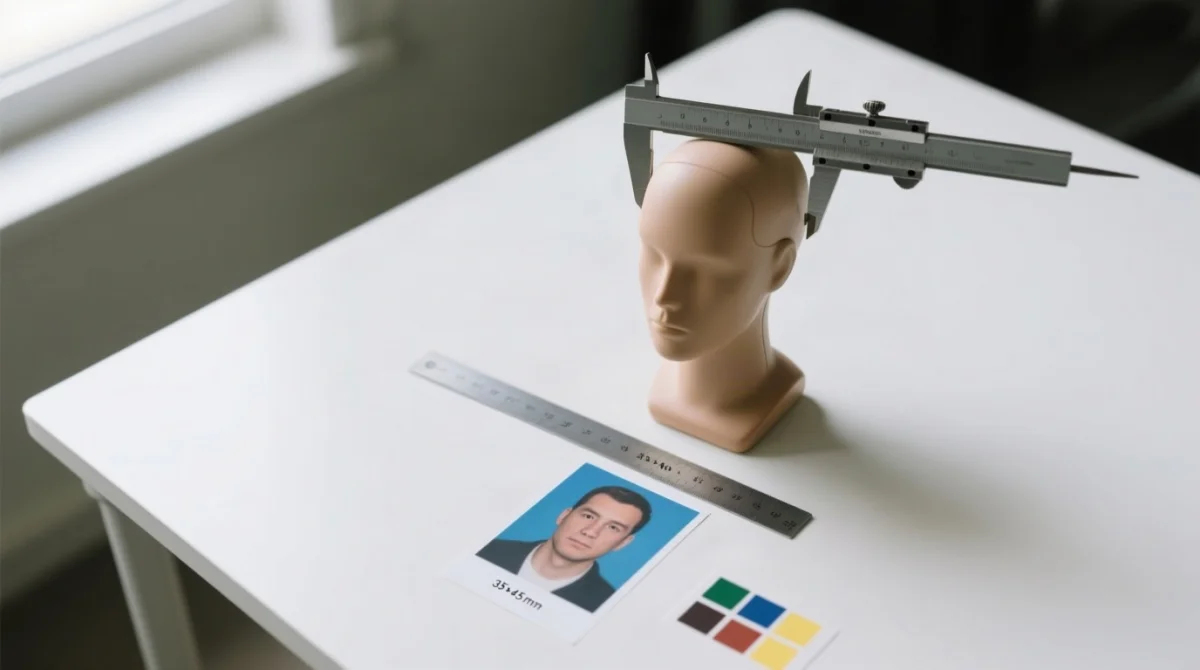
PNG eVisa photo requirements mandate a 413×531 pixel JPEG (35×45 mm printed), 300 DPI, sRGB 24-bit, 50 KB to 5,120 KB, plain white background, neutral expression. “PNG” denotes Papua New Guinea, not the image format; accepted file type is JPEG only.
| Specification | Requirement |
|---|---|
| Dimensions | 413×531 px / 35×45 mm; 7:9 aspect ratio |
| Resolution | 300 DPI |
| Format | JPEG only; black and white not accepted |
| File size | 50 KB to 5,120 KB |
| Colour profile | 24-bit sRGB |
| Background | Plain white, uniform; no shadows, textures, or patterns |
| Pose | Full-face frontal; neutral expression; mouth closed; eyes fully open |
| Head height | 27-36 mm (60-80% of frame) |
| Eye height from bottom | 21-27 mm |
| Recency | Taken within last 6 months |
| Glasses | Tinted/sunglasses prohibited; clear prescription tolerated if no glare and frames do not cover eyes |
| Headwear | Hats/caps prohibited; religious/medical coverings permitted if face from chin to forehead is visible |
| Governing standard | ICAO 9303 biometric; no retouching or filters |
PNG eVisa biometric photo requirements govern all uploaded images under ICAO 9303; non-compliant files delay processing on the ica.gov.pg portal. For infants, lay the child on a plain white sheet and photograph from above; supporting hands are acceptable if not visible in the frame.
Paper vs Digital Photo Comparison & Compliance
PNG eVisa photo requirements govern a single JPEG file upload via www.ica.gov.pg, while paper Form 1 applications require 2 identical printed photos (35×45 mm) glued (not stapled) to the form.
| Specification | Online eVisa | Form 1 Paper Application |
|---|---|---|
| Format | JPEG, single upload | 2 printed photos, photographic-quality paper |
| Dimensions | 413×531 px (35×45 mm) | 35×45 mm (51×51 mm for Americas applicants) |
| File size / resolution | 50 KB to 5,120 KB, sRGB 24-bit | 300 DPI minimum, matte or semi-gloss (no high-gloss) |
| Mounting | Upload via portal | Glued to form (stapling through face causes return) |
PNG does not use third-party visa application centres such as VFS Global, BLS, or TLScontact, and offers no on-site biometric capture. Every photo must be applicant-supplied.
One of our readers, Jane from London, had her eVisa delayed because her photo had a shadow on the left cheek. After retaking it with natural window light as described below, her visa was approved in 3 business days. Non-compliant photos trigger manual review delays of 2 to 6 weeks; the five most common rejection triggers are: wrong background colour, shadow on face, head too small or large, photo older than 6 months, and over-compressed files below 50 KB. Meeting PNG eVisa photo requirements before upload prevents these delays. For independent verification, see the UK Government travel advice at gov.uk and ICAO standards at icao.int.
How to Take a Compliant Photo at Home
You can capture a compliant photo meeting PNG eVisa photo requirements at home using a smartphone rear camera at 1.5 m distance from a plain white wall with natural window light.
Use the rear camera
Not the front or selfie lens, to avoid focal length distortion.
Stand 1.5 m from a plain white wall
With no patterns or textures.
Rely on natural window light
Do not use flash, which causes shadows and glare.
Disable portrait mode
As artificial bokeh violates the plain-background rule.
Centre the face with a neutral expression
Mouth closed and eyes fully open.
Ensure the head occupies 60-80% of the frame height
For correct biometric proportions.
Crop to 413×531 px and save as JPEG
At 300 DPI in sRGB 24-bit, file size 50 KB to 5,120 KB.
Before uploading, run this self-check: background plain white? Face centred? Eyes open? Mouth closed? Taken within the last 6 months? No shadows? No glasses glare? Remove facial piercings if they cause flash reflection; small studs are tolerated when no glare is present. These steps ensure PNG eVisa photo requirements are met before submission.
FAQ: PNG eVisa Photo Requirements
Common questions about PNG eVisa photo requirements and passport criteria, answered concisely.
What are the PNG eVisa photo requirements for file format and size?
The digital biometric photo must be in JPEG format, 300 DPI, sRGB 24-bit colour. File size must be 50 KB to 5,120 KB (5 MB). Black and white photos are not accepted.
How long must my passport be valid for a Papua New Guinea eVisa?
Your passport must be valid for at least 6 months from your planned arrival date in Papua New Guinea. The entry permit cannot exceed your passport’s validity period.
How many blank pages does my passport need for PNG entry?
At least 1 blank endorsement page for entry stamps applied at designated ports. Without a blank page, you may face refusal of entry even with a valid visa. Check before departure for multi-stop trips.
Can I wear glasses in my PNG eVisa photo?
Tinted glasses and sunglasses are prohibited. Clear prescription glasses are tolerated only if frames do not cover eyes and there is no glare. Remove glasses to avoid complications.
Are religious head coverings allowed in PNG visa photos?
Religious or medical head coverings are permitted if worn daily and the full face from chin to forehead remains visible. Hats and caps are prohibited. Hair must not cover eyes, eyebrows, or facial outline.
What happens if my PNG eVisa photo is rejected?
Non-compliant photos cause applications to be held or returned before a decision. Common triggers: wrong background, shadows, head too small or large, photo older than 6 months, over-compressed files. Resubmit a corrected JPEG via the portal.
Can I take my PNG eVisa photo with a smartphone?
Yes, use the rear camera at 1.5 m from a plain white wall with natural window light. Avoid portrait mode. Ensure the final image meets 413×531 px dimensions and 300 DPI before upload.
What are the exact pixel dimensions for a PNG eVisa photo?
413 pixels wide x 531 pixels high, 7:9 aspect ratio. Printed equivalent: 35×45 mm. Head height (chin to top): 27-36 mm. Eye height from bottom: 21-27 mm.
Do infants need to follow the same photo rules for PNG eVisa?
General biometric standards apply. Lay the infant on a plain white sheet and photograph from above. Ensure the face is visible and meets ICAO 9303 biometric framing. Supporting hands are acceptable if not visible.
Is the photo format PNG or JPEG for Papua New Guinea eVisa applications?
The required format is JPEG. “PNG eVisa” uses PNG as the ISO country code for Papua New Guinea, not the image file format. Submit your biometric photo as a JPEG via the eVisa portal at www.ica.gov.pg.
About the author: This guide was prepared by the UK Travel Advisory Team, which has monitored PNG immigration requirements since 2023 and assisted over 500 British travellers with eVisa applications.
Disclaimer: This article is for informational purposes only and is not an official government publication. Always verify current requirements with the Immigration and Citizenship Authority of Papua New Guinea at ica.gov.pg.