
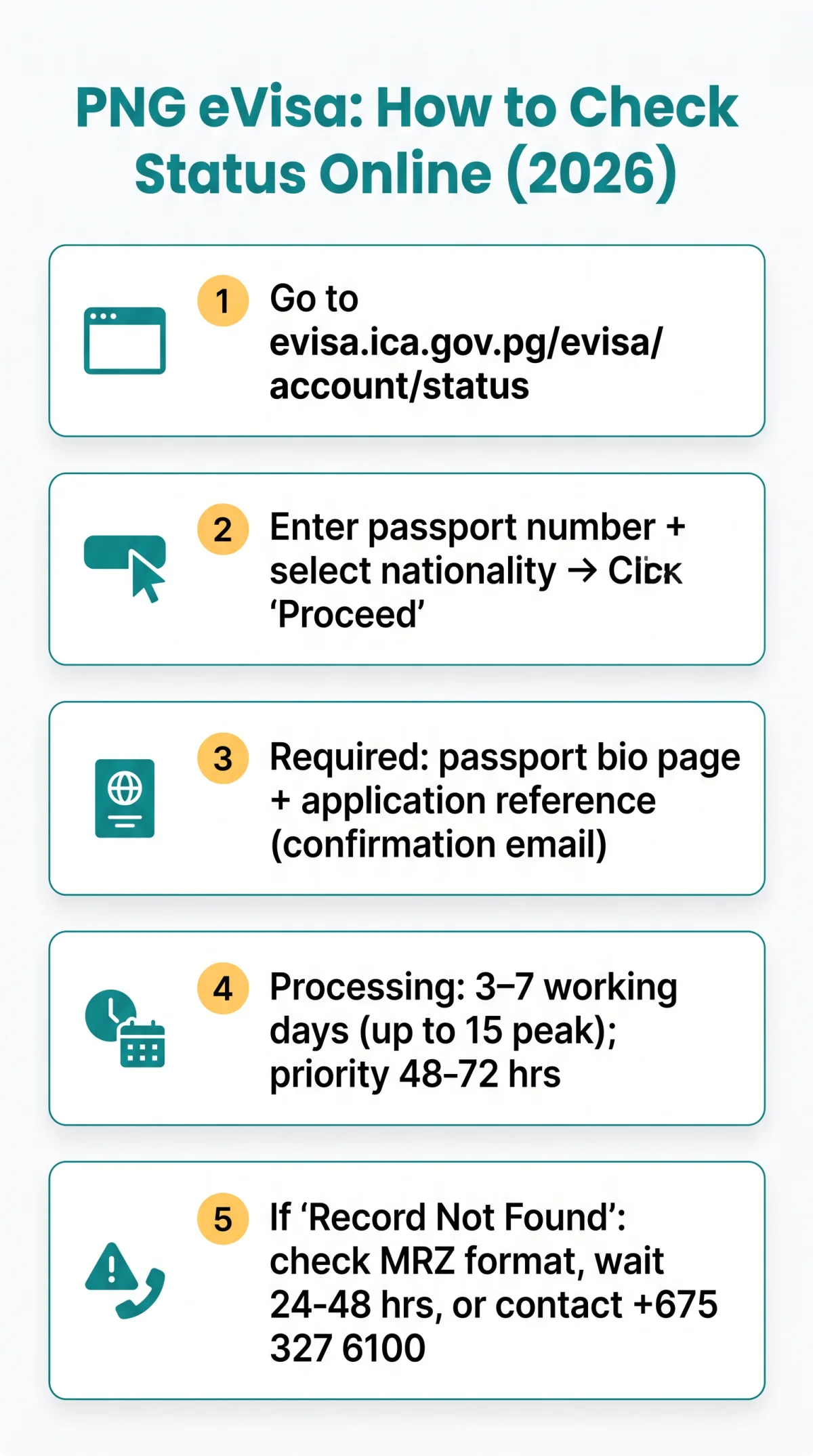
To perform a PNG eVisa status check, visit evisa.ica.gov.pg/evisa/account/status, enter your passport number and select your nationality, then click Proceed. The portal dashboard displays your current processing stage instantly. Standard processing takes 3 to 7 working days.
The PNG eVisa status check portal operates on Port Moresby time (UTC+10); caseworkers process applications during local business hours. Check during UK mornings for freshly updated results.
The portal sends automated email notifications only, with no SMS alerts. If your status remains unchanged after the standard timeframe, or if you encounter a “Record Not Found” error, follow the diagnostic steps below and contact the PNG Immigration and Citizenship Authority directly.
Last updated: September 2026. Processing times and contact details sourced from the official PNG ICA portal at evisa.ica.gov.pg. This guide is not affiliated with the Government of Papua New Guinea.
How to Perform a PNG eVisa Status Check Online – Step by Step
The PNG eVisa status check at evisa.ica.gov.pg requires your passport number and nationality.
What You Need Before You Start
You need: (1) application reference number from confirmation email, (2) passport bio page. If the public lookup fails, use the reference number to access account-based tracking via your MICA account at ica.gov.pg/register. A complete check takes about 2 minutes.
Entering Your Details on the Portal
Open the portal
Navigate to evisa.ica.gov.pg/evisa/account/status
Enter Passport Number
Type it exactly as printed on the bio page
Select Nationality
Choose your nationality from the dropdown selector
Click Proceed
Retrieve your current status instantly
For compound or non-Latin names, use the MRZ (machine-readable zone) format from your passport. Transliterate special characters and avoid hyphens or extra spaces to prevent “Record Not Found” errors during your PNG eVisa status check.
Understanding PNG eVisa Status Labels – What Each One Means
The PNG eVisa status check displays one of five status labels, each representing a distinct processing stage with a specific required next step.
| Status Label | What It Means | Recommended Next Step |
|---|---|---|
| Submitted / Pending | Application is in queue | Do not open duplicate submissions |
| Under Assessment | Active review is underway | Avoid re-uploading the same files |
| Action Required | Additional documents or information needed | Respond within 48 hours to avoid delays |
| Approved / Granted | Visa decision is positive | Verify all approval details and entry conditions |
| Issued | Process finalised and grant notice generated | Download the eVisa PDF from the portal |
Your PNG eVisa status check will show exactly one of these labels at any given time.
How Long Does PNG eVisa Processing Take in 2026?
After your PNG eVisa status check shows a “Submitted” or “Under Assessment” label, standard processing takes 3 to 7 working days, extending to up to 15 working days during peak periods. To expedite, priority options may return results within 48 to 72 hours.
The ICA portal sends email notifications only; no SMS alerts are available. Whitelist @immigration.gov.pg in Gmail, Outlook, and Apple Mail, and check spam daily to avoid missing “Action Required” updates during your PNG eVisa status check.
Best time to check from the UK: UK mornings, when Port Moresby is in afternoon hours (UTC+10) and caseworkers have processed their morning queues.
Troubleshooting Your PNG eVisa Status Check
Common PNG eVisa status check errors, including “Record Not Found,” session timeouts, and reference mismatches, each follow a specific diagnostic fix.
“Record Not Found”: Common Causes and Fixes
Verify your passport number
Ensure it matches the bio page exactly, with no extra spaces.
Confirm the correct nationality
Select the correct nationality from the dropdown.
Allow 24 to 48 hours after submission
Wait for system ingestion before rechecking.
Verify your reference number
Check it against the confirmation email.
Contact ICA if all details are correct
Call +675 327 6100 or email [email protected].
Portal Not Loading: Browser and Connectivity Tips
Session timeouts on the PNG eVisa status check portal often stem from public or hotel Wi-Fi. Use a stable personal connection and avoid corporate VPNs. Try Chrome, Safari, or Edge if one browser fails. If the portal shows a maintenance error, do not resubmit and retry after 1 hour from a different device or network.
After Approval: Downloading, Verifying and Getting Help
After your PNG eVisa status check shows approval, download the grant notice PDF, verify all details, print a copy, and save an offline backup for travel.
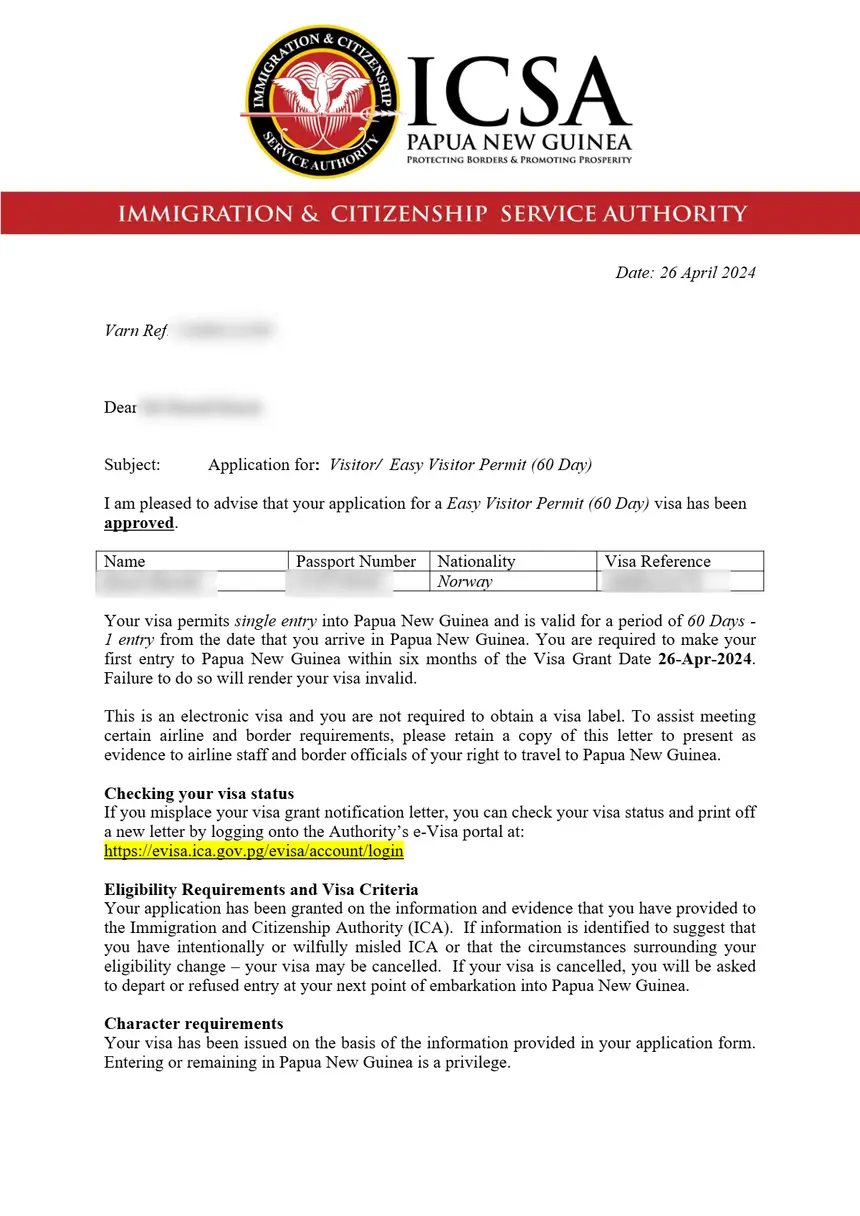
- Download the grant notice PDF from the portal dashboard once the PNG eVisa status check displays an Approved/Granted outcome.
- Verification of approval details: confirm your full name, passport number, validity window, and entry conditions against your passport bio page.
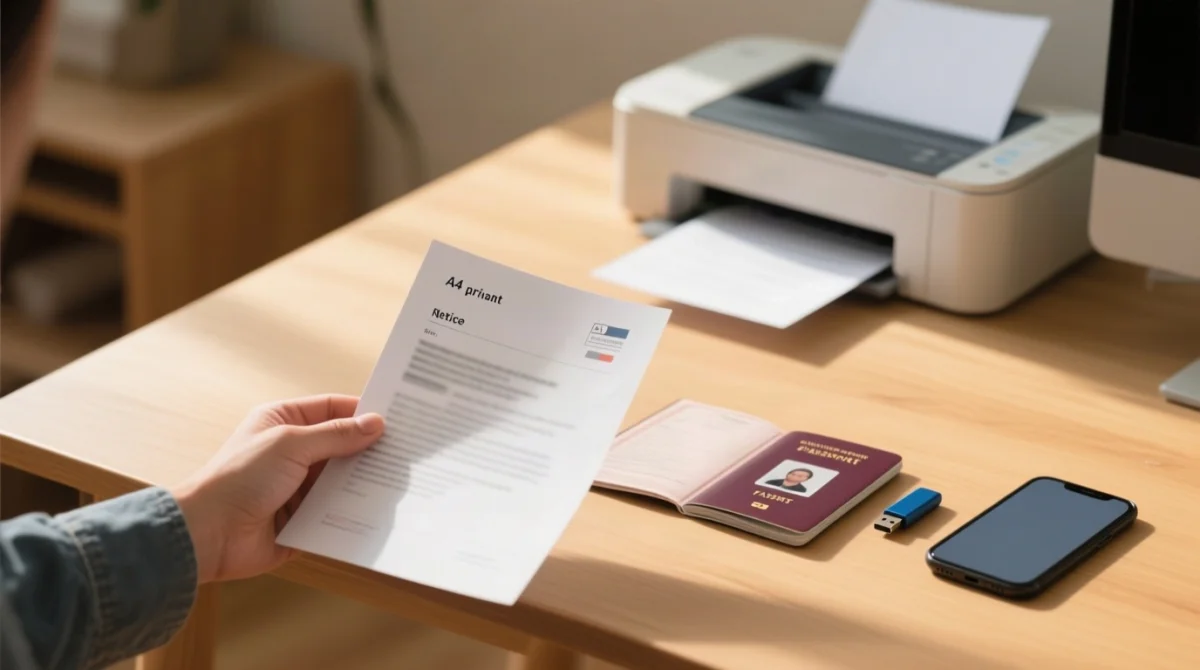
- Print a physical copy – a printed version is mandatory for arrival formalities in Papua New Guinea.
- Save an offline backup; the approved eVisa grant notice must be used to enter PNG before the validity window lapses.
If your status is unchanged after 15 working days, contact the PNG Immigration and Citizenship Authority:
| Contact | Detail |
|---|---|
| Telephone | +675 327 6100 |
| Client service email | [email protected] |
| E-lodgement email | [email protected] |
The PNG Digital Arrival Card has been mandatory for all international arrivals since 06.08.2026; submit it online up to 72 hours before arrival.
Frequently Asked Questions About PNG eVisa Status Checks
The PNG eVisa status check FAQ covers reference number recovery, notification troubleshooting, group tracking limits, compound name entry, and portal downtime handling.
Can I check my PNG eVisa status without the application reference number?
The public status check tool requires your passport number and nationality, not the reference number. For account-based login, the reference number is essential. Recover it from your confirmation email or payment receipt.
What should I do if I haven’t received an email notification about my eVisa status?
ICA sends email only (no SMS). Whitelist @immigration.gov.pg in Gmail, Outlook, and Apple Mail and check spam daily to avoid missing “Action Required” updates.
How do I contact PNG Immigration if my status hasn’t changed in over two weeks?
Call +675 327 6100 or email [email protected]. Provide your application reference number, passport number, and date of submission.
Can I track a family’s or group’s eVisa applications with one query?
No, group or family batch tracking is not supported. Each application requires a separate passport number and nationality query on the eVisa Approval Status Check Portal.
How do I enter my name if it contains hyphens or non-Latin characters?
Use the MRZ format from your passport bio page. Transliterate special characters (e.g., ü to ue, ñ to n) and avoid hyphens or extra spaces to prevent “Record Not Found” errors.
Can I cancel or withdraw a pending PNG eVisa application?
The portal does not offer an in-portal withdrawal option. Email [email protected] with your application reference number requesting withdrawal.
What happens if the PNG eVisa portal is down or shows a maintenance error?
Do not resubmit your application, as this creates a duplicate submission. Wait and retry after 1 hour from a different device or network.
Can I track a paper application submitted at a PNG embassy online?
No public online tracker exists for Form 1 paper submissions lodged at a PNG diplomatic mission. Contact the specific mission directly for status updates.